Press Down, Lift Goes Up: What That Really Means in Bangkok Condominium
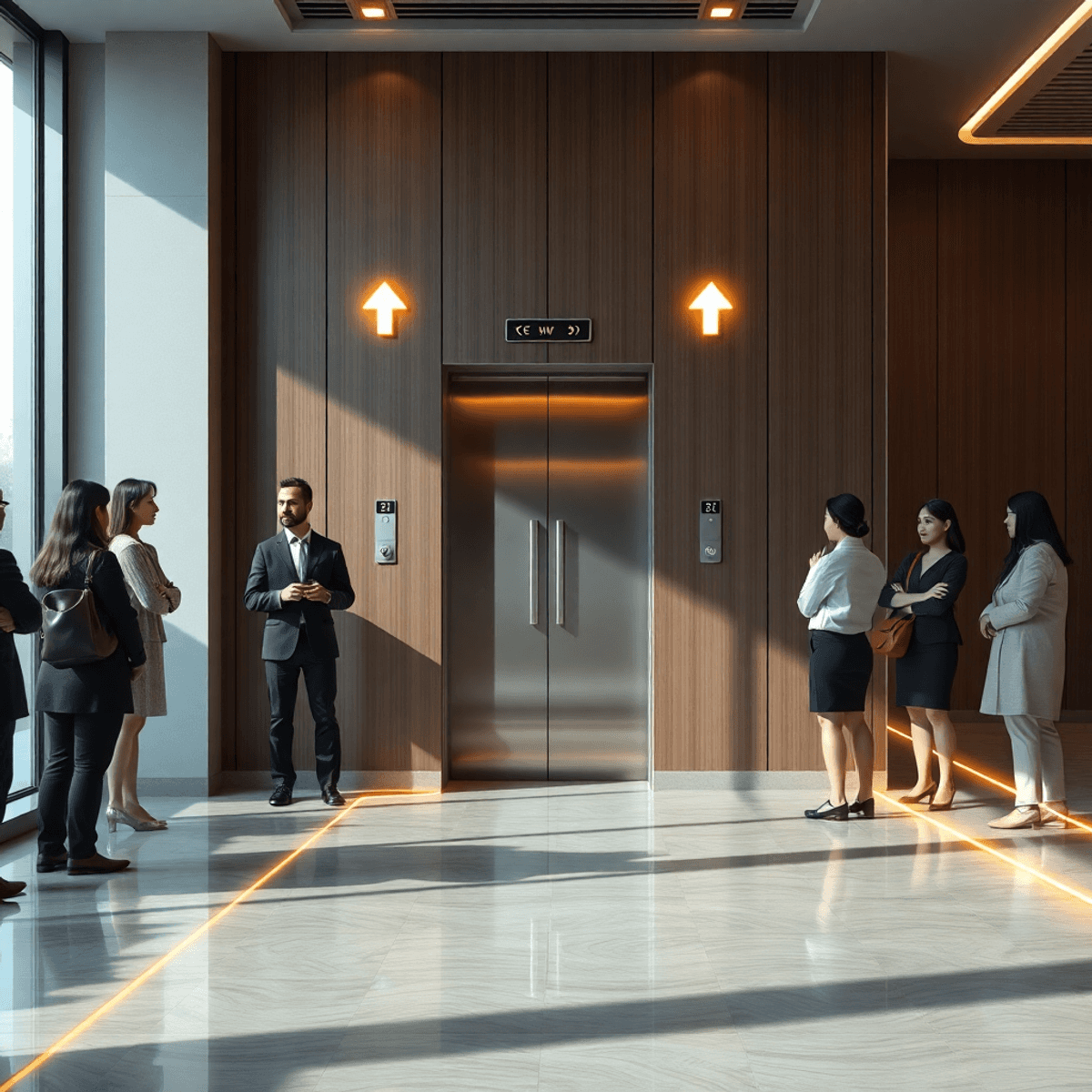
Modern elevator lobby with sleek panel, illuminated arrows, diverse people waiting, soft natural light, abstract glowing lines, and polished reflective floors.

Many residents in residential buildings and condominium buildings encounter a puzzling situation: they press the down elevator push button, but the lift goes up instead. This common confusion leads to frustration and misunderstandings about how elevator systems actually work.

Understanding the function of the elevator push button is essential for smooth elevator operation. These buttons do not directly command the elevator to come immediately or move in a specific direction on demand. Instead, they signal your intended direction of travel.

In busy residential buildings where multiple residents depend on efficient lift service, knowing how to use these push buttons correctly can reduce unnecessary stops and delays. It also helps avoid inefficient routing caused by pressing the wrong button or misunderstanding what each button represents.

Recognizing why your lift goes up but you press down button clarifies how elevators prioritize calls and optimize travel paths. This knowledge improves your experience and supports better elevator management in residential environments where updates and controls may need to be adjusted too often due to system demands or security policies.


Understanding Elevator Push Buttons

Elevator push buttons are crucial for how elevators respond to passenger requests. The up and down buttons outside the elevator signal the elevator control system, indicating the direction passengers want to travel from that floor.

Purpose of Up and Down Buttons Outside the Elevator

These buttons do not command the elevator to move immediately or directly to your floor. Instead, they inform the system whether you want to go up or down. The elevator control system uses this information to assign the most appropriate elevator car based on its current location and direction.

Intended Travel Direction vs. Immediate Movement

Many users assume pressing a button calls an elevator that will instantly come to their floor, but that is not how these controls are designed. The up and down buttons act as directional indicators rather than direct movement commands. For example:

  • Pressing the up button means you want to go to a higher floor.
  • Pressing the down button means you want to go to a lower floor.

The system then queues this request appropriately within its scheduling algorithm.

Role of Elevator Control System in Optimizing Routing

Elevator control systems manage multiple cars simultaneously, balancing efficiency and wait times by:

  1. Prioritizing elevators already traveling in the requested direction.
  2. Grouping stops along a single trip path.
  3. Avoiding unnecessary reversals or detours.

This logic helps reduce travel time for all passengers but depends heavily on accurate input from push buttons. Incorrect or conflicting inputs can lead to inefficiencies or what might appear as an elevator error, such as stopping at floors unnecessarily or delayed arrivals.

Understanding this interaction clarifies why pressing the correct direction button is essential for smooth operation. It ensures that the control system can optimize routing effectively without confusion or delays caused by misinterpreted signals.


Why Pressing Down Button Can Result in Elevator Going Up

Understanding elevator direction signals is key to seeing why pressing the down button on your floor might bring an elevator moving upwards to stop there. The push buttons outside elevators do not summon a car traveling in a specific direction; they indicate your intended travel route. When you press the down button, the system’s elevator routing logic registers a request for a downward trip from that floor.

If an elevator is already ascending and passes your floor, it may still stop because it has been assigned to pick up passengers waiting to go down. This happens because the control system aims to optimize service by combining trips efficiently rather than ignoring active calls. The elevator is not not working or malfunctioning; it is responding correctly based on its programmed logic.

Pressing the wrong button causes several inefficiencies:

  • Unnecessary stops: Elevators may stop at floors where passengers want to go in the opposite direction, adding time for all riders.
  • Increased wait times: Other users experience delays as elevators make extra stops.
  • Reduced system efficiency: The routing algorithm must adjust dynamically, sometimes leading to longer overall travel times.

This means pressing the down button when you intend to go up can inadvertently slow down service for everyone. The buttons serve as direction signals rather than directional commands, so accurate input helps keep elevators moving smoothly. Misunderstanding this often leads people to think the elevator is malfunctioning when it is actually following its design perfectly.

Recognizing how these controls work helps you avoid common errors and contributes directly to a more efficient ride experience. Proper use of direction buttons supports the system’s ability to allocate elevators optimally and minimize unnecessary delays caused by incorrect button presses.


Common Misconceptions About Elevator Buttons

Elevator push buttons often cause confusion due to several persistent myths. These misunderstandings can lead to improper use and inefficiencies in elevator operation. Addressing these misconceptions helps ensure you use the system correctly.

Pressing Both Buttons Speeds Up Arrival

A common belief is that pressing both up and down buttons simultaneously will make the elevator come faster. This is false. The elevator control system treats each button press as a separate call for service, not as a priority signal. Pressing both buttons:

  • Does not prioritize your floor.
  • May cause the elevator to stop unnecessarily on floors going in opposite directions.
  • Leads to longer wait times for everyone due to inefficient routing.

The control logic aims to minimize travel time and stops, so confusing it with multiple simultaneous calls can disrupt this balance.

Repeatedly Pressing a Lit Button Does Not Help

Many users think that pressing an already lit button repeatedly will speed up the elevator’s arrival. This action has no effect because:

  • Once a call is registered, the system stores it until serviced.
  • Additional presses do not increase priority or urgency.
  • Excessive button pressing could wear out the hardware prematurely without providing benefits.

Trust in the system’s programming; it registers your request with one press and plans accordingly.

Typical User Misunderstandings

Several other misunderstandings about elevator push buttons include:

  • Button lights indicate acknowledgment, not immediate action: A lit button means your request is recorded, but it doesn't mean an immediate response.
  • Directional buttons reflect intended travel, not elevator movement: Pressing "down" signals you want to go down, not that the elevator should come down immediately.
  • Elevators optimize routes based on multiple inputs: The system balances calls from many floors and directions to reduce overall waiting time rather than responding only to individual button presses.

These points illustrate why careful use of elevator push buttons matters. Misusing them wastes time and frustrates other passengers.

Correct understanding of how elevator push buttons function helps improve efficiency and reduces unnecessary stops. Use each button thoughtfully according to your intended travel direction for best results.


Elevator Behavior in Multi-Tower Residential Buildings

Buildings with multiple towers or sections often have complex elevator systems designed to serve each area efficiently. In a condominium setting, this arrangement helps manage high traffic and varying demand across different parts of the property. Understanding how these elevators work can clarify why you might experience differences in wait times or elevator responses between towers.

How Multi-Tower Elevators Work

  • Each tower typically has its own set of elevators assigned to serve only that tower’s floors.
  • The control systems for these elevators coordinate independently but may share some data to optimize overall building traffic.
  • "One tower works second tower trolley" scenarios occur when an elevator car from one tower temporarily serves another tower, usually due to maintenance, peak demand, or system overrides.

Potential Issues with Tower-Specific Responses

  • If you press the button in one tower, the elevator responding might come from a different trolley or shaft than expected.
  • This can cause confusion when the elevator arrives going in a direction opposite to what you anticipated.
  • Response times might vary significantly between towers because of differing passenger loads or operational priorities.
  • Residents sometimes report that while one tower’s elevators operate smoothly, the second tower trolley experiences delays or erratic stopping patterns.

Coordination Challenges and User Impact

  • Coordinating multiple towers requires sophisticated software algorithms that balance efficiency with passenger convenience.
  • Conflicting requests from different towers can lead to seemingly illogical elevator movements, such as skipping floors or reversing direction unexpectedly.
  • These behaviors are not malfunctions but results of attempts to minimize total wait and travel times across all users.
  • For residents, this means patience and proper button use remain essential. Pressing the correct directional button aligned with your intended travel path helps the system allocate resources better.

Understanding this multi-tower coordination helps explain why pressing a button in one tower might not immediately bring an elevator as expected. It also sheds light on why "one tower works second tower trolley" situations arise, reflecting system adaptability rather than failure.


Technical Issues Affecting Elevator Push Buttons

Elevator push buttons are critical interfaces between users and the elevator control system. When these buttons fail or are manipulated, the entire system's efficiency and safety can be compromised.

Common Technical Problems

  • Elevator push button not working: Physical wear and tear, dirt accumulation, or internal electrical faults can cause buttons to become unresponsive. Users may press the button repeatedly without realizing it has stopped functioning, leading to frustration and confusion.
  • Faulty wiring or circuit board issues: These can result in intermittent button activation or complete failure, disrupting communication with the elevator control panel.
  • Button stuck in a pressed position: This causes continuous signals to the system, sometimes resulting in the elevator stopping unnecessarily or ignoring other calls.

Manipulation Risks

Manipulation involves intentional tampering with push buttons or related controls. This can include:

  1. Pressing multiple buttons to “game” the system.
  2. Using objects to hold down buttons.
  3. Unauthorized access attempts to override normal operations.

Such manipulation risks not only degrade service but also pose safety hazards by confusing the elevator’s logic, potentially triggering unexpected stops or incorrect floor selections.

Manifestation of Errors

When technical problems or manipulation occur, several issues may arise:

  • Wrong floor stops: The elevator might stop at floors where no one is waiting due to false signals from malfunctioning buttons.
  • Delayed response: A non-working button can cause longer wait times since the system doesn’t register a call correctly.
  • Error codes displayed inside elevators: Modern elevators often feature diagnostic displays that alert maintenance personnel when push button errors are detected.

Importance of Regular Maintenance

Routine inspection and servicing prevent many problems associated with elevator push buttons:

  • Cleaning and testing button responsiveness ensures reliable user input recognition.
  • Checking wiring integrity avoids intermittent failures.
  • Updating software helps mitigate issues caused by outdated control logic vulnerable to manipulation.

Maintenance teams must prioritize these checks to avoid service interruptions and maintain safety standards. Residents should promptly report any unusual behavior like unlit or constantly lit buttons, delays, or unexpected stops so technicians can address issues before they escalate.


Security and Access Control in Elevators

Elevators in residential and condominium buildings often incorporate keycard access systems as a security measure. These systems restrict elevator use to authorized residents and visitors, enhancing safety and controlling traffic within the building.

Role of Keycards for Elevator Access

  • Residents typically receive a keycard programmed to grant access to specific floors or zones.
  • The keycard interacts with the elevator push button panel by enabling or disabling certain floor selections based on user permissions.
  • This system prevents unauthorized access to private or restricted areas, ensuring only approved individuals can operate the elevator to those floors.

Challenges with Frequent Keycard Updates

  • Buildings may require keycard updates periodically due to security protocols, lost cards, or changes in resident status.
  • Frequent keycard updates can cause inconvenience for residents who must frequently reprogram their cards or request new ones.
  • If not managed efficiently, these updates may lead to confusion at the elevator push button panel—such as inability to select certain floors or unexpected restrictions appearing suddenly.
  • Residents might experience delays or frustration when their keycards temporarily fail to work while awaiting updates.

Jurisdiction Office Regulations and Compliance

  • Many residential buildings operate under strict jurisdiction office regulations that dictate security standards, including how elevator access control should be managed.
  • The jurisdiction office often oversees compliance with safety codes and mandates regular audits of access control systems.
  • These regulations may require maintaining logs of keycard usage, timely updates, and prompt reporting of malfunctions.
  • Coordination between building management and the jurisdiction office ensures that elevator push buttons function correctly within the framework of access control without compromising resident convenience.

Security protocols using keycards add an important layer of control but introduce complexity in elevator operation. Understanding this balance helps residents anticipate why certain restrictions exist at the elevator push button panel and why regular system updates are necessary.


Environmental Factors Impacting Elevator Experience

Elevators in many residential and condominium buildings often lack air conditioning, which has a notable impact on elevator air quality and passenger comfort. When you step inside an elevator without AC, the enclosed space can quickly become warm and stuffy, especially during hot weather or peak usage times. This absence of ventilation can lead to:

  • Stale air accumulating inside the elevator car
  • Increased humidity levels making the environment uncomfortable
  • Perception of poor air quality that may cause discomfort or mild stress for some users

The no AC inside the building scenario compounds this issue further because common areas like hallways and lobbies also tend to be warmer, reducing the cooling effect before entering the elevator. Without proper airflow, elevators can feel cramped and less inviting.

Buildings sometimes incorporate design elements to improve the ambiance despite these environmental limitations. For example, the installation of Venice mirrors in elevator areas plays a subtle but important role in enhancing the visual appeal. These mirrors create a sense of spaciousness by reflecting light and surroundings, helping to counteract feelings of confinement common in small, windowless elevator cabins.

Key points about environmental comfort factors include:

  • Venice mirrors improve aesthetic appeal and user perception of space
  • Reflective surfaces can brighten dimly lit elevator interiors
  • Visual enhancements help compensate for physical limitations like lack of AC

Understanding how no AC inside the elevator affects your ride helps set realistic expectations about comfort levels. It also highlights why some buildings prioritize periodic maintenance and upgrades for ventilation systems or consider alternative solutions such as improved lighting and interior design.

Air quality is more than just temperature control; it influences your overall experience every time you use the elevator. Recognizing these environmental factors encourages patience and appreciation for design choices aimed at making limited spaces more pleasant.


Best Practices for Residents Using Elevators

Understanding the proper use of push buttons is essential for smooth elevator operation in residential and condominium buildings. You can contribute to efficient elevator service by following these practical guidelines:

Press the button that matches your intended direction

If you want to go up, press the up button; if you want to go down, press the down button. This clear signal helps the elevator control system optimize routes and reduces unnecessary stops.

Avoid pressing both the up and down buttons simultaneously

This does not speed up the elevator’s arrival but can create scheduling inefficiencies and delays for all users.

Do not repeatedly press a lit button

Once pressed, the elevator system has registered your request. Additional presses won’t make the elevator come faster and may cause confusion or wear on the button mechanism.

Wait patiently after pressing a button

Elevator dispatch systems work based on algorithms that balance response time and energy efficiency. Rushing or impatience will not improve performance but may increase congestion at busy times.

Use interior elevator buttons responsibly

Press only your destination floor once inside to avoid confusing the system with multiple or contradictory requests.

By adhering to these efficient elevator use tips, you help maintain an orderly flow of passengers and reduce wait times for everyone. Proper button use allows the control system to allocate elevators intelligently, minimizing travel time and improving overall user experience.


Conclusion

Understanding how elevators work is important for both residents and building managers who want to make the most of their residential building elevators. Knowing how to use the elevator push button system correctly can greatly affect how quickly and smoothly elevators respond to passenger requests.

Key benefits of correct button usage include:

  • Reduced waiting times by allowing the control system to assign the most suitable elevator car based on direction requests.
  • Minimized unnecessary stops, which decreases travel time for all passengers.
  • Improved energy efficiency, as elevators avoid redundant movements, reducing wear and operational costs.

Being aware of technical factors such as potential button malfunctions or system logic can help residents better understand why elevators behave the way they do. Additionally, environmental factors like air quality inside elevator cabins and overall design elements can also impact the user experience.

Pressing the correct direction button is a small action that leads to big improvements in elevator performance.

By following simple best practices and understanding the purpose behind each push button, you can help create a more efficient, comfortable, and reliable elevator service in your building. This knowledge also encourages collaboration between users and maintenance teams, ensuring that elevators meet everyone's needs.

For further insights into optimizing other areas of your living space or enhancing your understanding of various systems, consider exploring online documentation resources that provide valuable user guides. These resources not only unlock numerous benefits but also understand the benefits of SEO which can significantly improve your online visibility if you're managing a building or running a related business. Moreover, investing in user guides can streamline processes and make them more efficient.


FAQs (Frequently Asked Questions)

Why does the elevator go up when I press the down button in a residential building?

Pressing the down button indicates your intended travel direction, but the elevator control system may route an elevator already moving upwards to stop at your floor. This is not a malfunction but part of the system's logic to optimize elevator efficiency.

What is the purpose of the up and down buttons outside the elevator?

The up and down buttons signal your desired travel direction to the elevator control system. They do not command immediate movement but help the system optimize routing by indicating where passengers wish to go.

Does pressing both up and down buttons simultaneously make the elevator arrive faster?

No, pressing both buttons simultaneously is a common misconception and does not speed up elevator arrival. The control system processes requests efficiently regardless of repeated or simultaneous button presses.

How do elevators operate in multi-tower residential buildings?

In buildings with multiple towers or trolleys, elevators coordinate within their respective systems. Sometimes one tower's elevator may respond differently than another due to routing logic, which can cause confusion but is part of managing multiple elevator groups.

What technical issues can affect elevator push button functionality?

Common technical problems include button malfunctions, manipulation attempts, and error codes causing wrong floor stops. Regular maintenance is essential to ensure reliable push button operation and safety.

How do keycard access systems impact elevator usage in condominium buildings?

Keycard systems regulate elevator access for security compliance as mandated by jurisdiction offices. Frequent keycard updates can cause inconvenience, but they are important for maintaining controlled access within residential buildings.

Comments

Popular posts from this blog

Mastering Communication: Alternative Terms for 'Manipulative'

Eliminating Negative Thoughts: Tips for a Positive Mindset

Transparent Colors: The Secret to a Modern Condo Makeover